
How to Send a Post-Event Email With Photos Attendees Love

TIME&SPACE · Organiser's Playbook
Learn how to craft a post event email with photos attendees actually open, download, and share. Avoid the five mistakes that reduce engagement.
Post-Event Email With Photos: How to Reach Attendees at the Right Moment
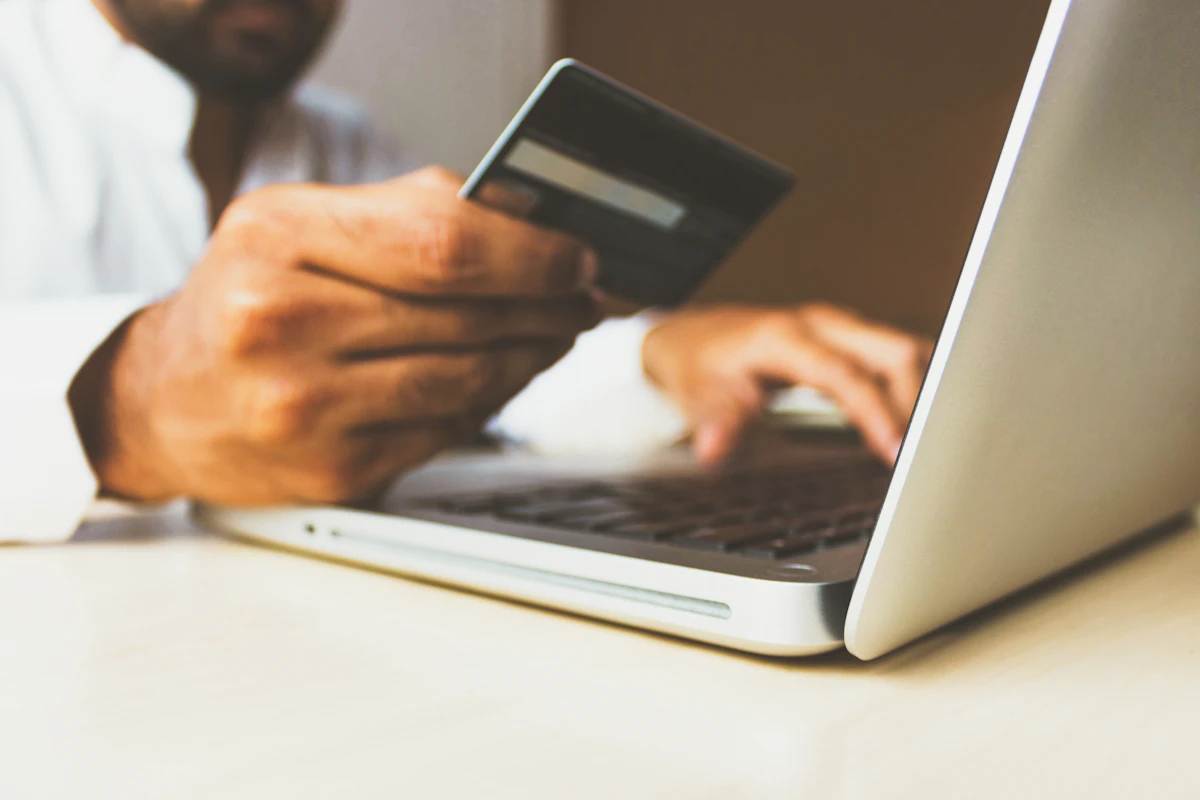
A post event email with photos is the highest-value touchpoint you have with attendees after your event ends. Send it correctly and you convert a single event into social content, referrals, and repeat bookings.
Why Attendees Open a Post-Event Email With Photos
A post event email with photos attendees actually appear in functions differently from any other marketing email. It is personal. The attendee is in the photo. They want to see it.
Mailchimp's Email Marketing Benchmarks report that the events and entertainment sector averages a 20.5% open rate across all email sends. A post-event email with personalised photo content consistently outperforms that baseline because the subject line can reference something the recipient personally experienced.
The goal of this email is not to promote your next event. The goal is to give attendees something they value immediately. Every other marketing objective follows from delivering that value first.
What to Include in the Post-Event Photo Email
A post-event photo email has five core components. Each one serves a specific purpose in moving attendees from inbox to downloaded photo.
| Component | Purpose | Format | |-----------|---------|--------| | Subject line | Get the open | 9 words or fewer | | Preview text | Reinforce the subject | 90 characters maximum | | Greeting | Personal acknowledgement | 1 sentence | | Photo access link | Core value delivery | Large, labelled button | | Social sharing prompt | Amplify your reach | 1 sentence plus hashtag | | Next-event CTA | Revenue from warm audience | Below the fold only |
Subject line: "[Event Name] photos are ready" works for most events. For conferences, try "Your [Event Name] photos are inside". Avoid vague subject lines like "Thank you for attending" that give no signal about the photo content inside.
Preview text: use the first 90 characters to address attendee concerns directly. "Download your photos before [date], no account needed" handles the two most common objections: expiry and friction.
The photo access link: this is the central action in the email. Make it a large, clearly labelled button. Write "View my photos" not "Click here". The link should take attendees directly to a personalised gallery, not a homepage where they must search for their photos among thousands.
Social sharing prompt: one sentence asking attendees to share is enough. Include the event hashtag. Deliver the photos first, then make the request.
Next-event CTA: place any promotional content below the gallery link. Attendees who open this email came for photos, not promotions. Earn the promotional placement by delivering value first.
When to Send the Post-Event Photo Email
Timing significantly affects your open rate and download rate. Send too early and the photos are not ready. Send too late and the emotional peak of the event has passed.
The optimal sending window for most events is 24 to 48 hours after the event ends. For multi-day conferences, send within 24 hours of the final day. For festivals, 36 to 48 hours gives photographers time to process images while keeping the memory fresh for guests.
Avoid Monday mornings for B2B and conference events. Attendees returning from a weekend event face a full inbox on Monday. Tuesday to Thursday between 09:00 and 11:00 in the attendee's local time zone is a more reliable window for professional events. For consumer events and festivals, Saturday and Sunday mornings generate strong open rates while attendees are still in weekend mode.
How TIME&SPACE Automates Photo Delivery for Post-Event Emails
Manual photo distribution at scale is a logistics problem. Collecting email addresses, matching photos to each person, and sending individual links takes hours of manual work per event. It also relies on having collected attendee emails at registration, which many event formats do not require.
TIME&SPACE solves this with face recognition at the point of delivery. When a guest scans the QR code at your event and takes a selfie, TIME&SPACE matches their face to every uploaded photo using ArcFace embeddings and cosine similarity search via pgvector. The match completes in under one second. The guest receives a direct link to their personalised gallery without creating an account.
For organisers who collect email addresses at registration, TIME&SPACE generates individual gallery links per attendee that you embed directly into your post-event email campaign. This replaces "view all 3,000 photos in this shared folder" with "view your 18 photos in this private gallery". The difference in engagement is measurable: TIME&SPACE events consistently see 70 to 90% of matched guests download at least one photo when delivery is personalised.
You can read the complete organiser setup guide at how to set up photo delivery at your event, and see plan pricing at the TIME&SPACE pricing page, starting at €188 per event.
Five Mistakes That Reduce Post-Event Email Engagement
Linking to a shared folder. A Google Drive or Dropbox link containing 2,000 unsorted photos makes attendees do the work. Most will not scroll through hundreds of files to find the 12 photos of themselves. Personalised delivery resolves this entirely.
Waiting more than 72 hours. Once attendees have posted their own blurry smartphone photos on social media, the emotional window for your professional photos narrows. A photo email arriving five days later lands in a different context than one arriving the next morning.
Asking for a social share before delivering the photos. Earn the share first. Place the social prompt after the gallery link, not before it.
Sending from a no-reply address. Attendees who love their photos want to respond. A no-reply address blocks that response and signals automated bulk mail rather than a valued post-event communication.
Not testing on mobile. According to Litmus Email Analytics data, more than 60% of personal emails are opened on a mobile device. Photo-heavy emails often render poorly on small screens. Test the email on an iPhone and an Android device before sending to your full list.
For a broader look at how post-event photos extend your marketing reach, read the post-event marketing photos strategy guide.
Frequently Asked Questions
Q: When should I send a post-event email with photos to attendees? Send within 24 to 48 hours of the event ending. This window keeps the memory fresh and reaches attendees while they are still posting about the event on social media. For multi-day conferences, send within 24 hours of the final session closing.
Q: What subject line works best for a post-event photo email? "[Event Name] photos are ready" is the most consistently effective subject line for post-event photo emails because it is specific, personal, and states the value immediately. Avoid generic subject lines like "Thank you for attending" that give attendees no signal about the photo content inside.
Q: Do attendees need an account to access their event photos through TIME&SPACE? No. With TIME&SPACE, attendees access their personalised photo gallery through a direct link with no account creation required. They scan a QR code at the event, take a selfie, and receive a gallery link. The entire process takes under 30 seconds and works in any mobile browser without an app download.
Q: How do I measure whether my post-event photo email is working? TIME&SPACE Analytics records QR scans, gallery views, and individual photo downloads per event. You can see exactly how many attendees accessed their gallery and how many downloaded at least one photo. This data also appears in the shareable post-event report for sponsors and stakeholders. See the event photo analytics guide for a detailed walkthrough of the metrics.
Related Reading
- Post-event marketing strategy using photos: how to turn event photos into a six-week content plan after the event ends
- How to set up photo delivery at your event: the complete organiser setup guide from QR placement to gallery launch
- Event photo analytics: how to measure success: how to read your delivery metrics and improve engagement at future events

Founder, TIME&SPACE