
Photo sharing for corporate events, private to your team
Staff scan a QR code, tick a consent box and take one selfie. They find the photos they appear in, in a private gallery that opens only by its link. No app, no account. From €188 + VAT per event.
 Monday, 9:12
Where do the photos go after the Christmas party?
Example chat. Names are invented.
How do staff get their photos?
Guests get their photos as your photographers upload them. Search takes seconds.
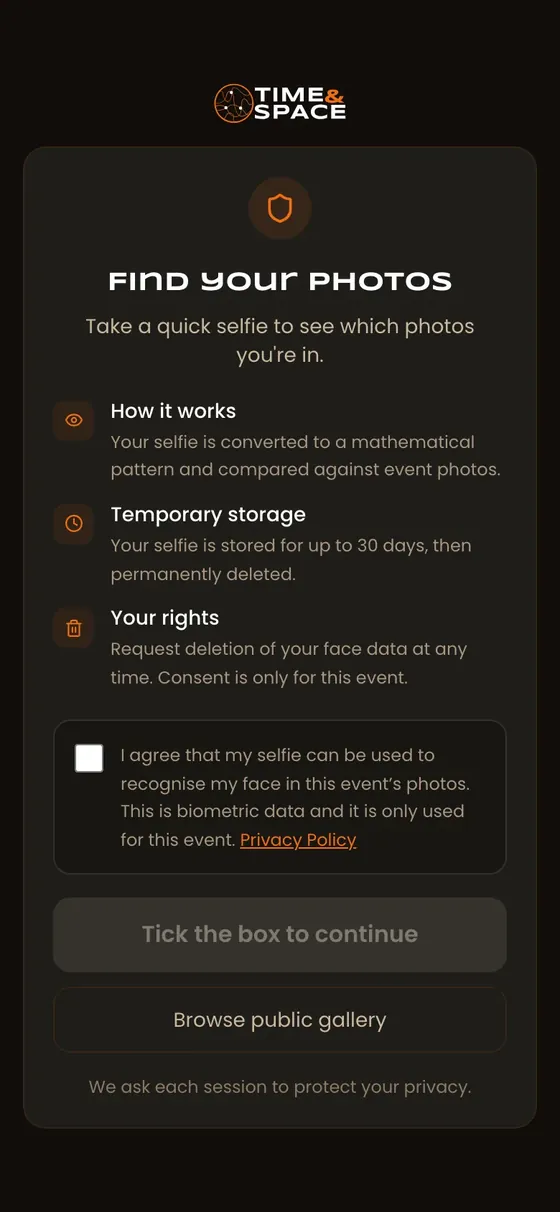
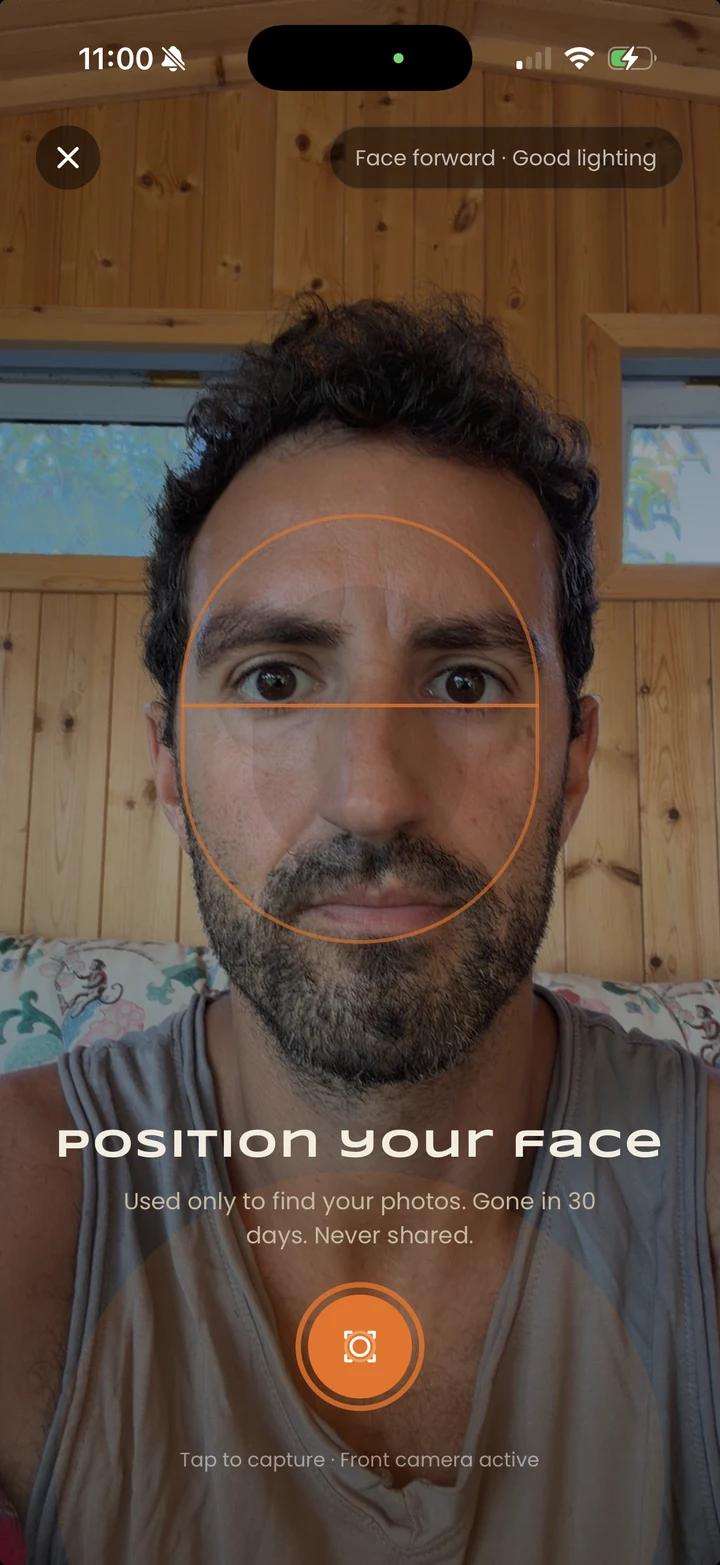
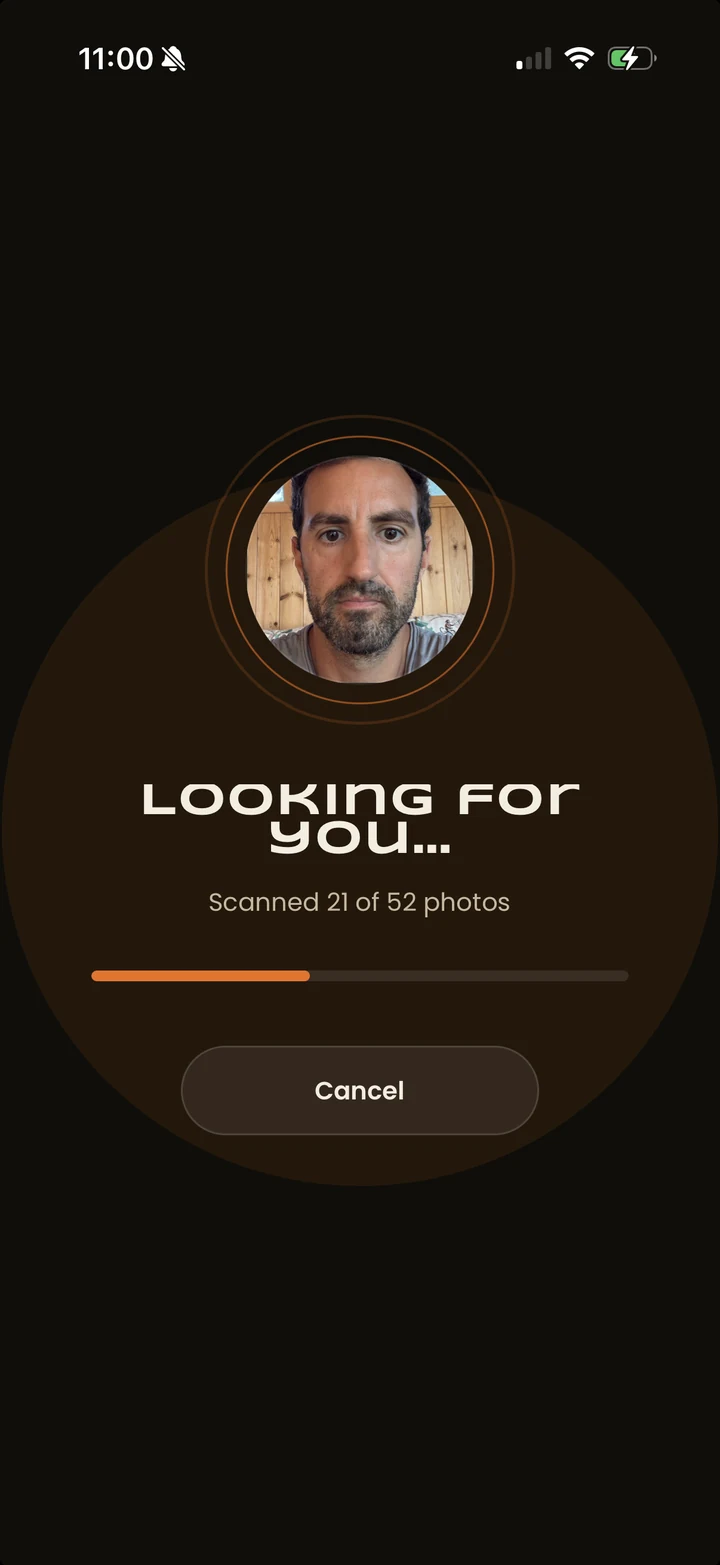
Real screens from the app. The selfie is Micael's own.
Can colleagues see each other's photos?
The gallery is private to the people with the link. Inside it, you choose how colleagues see the photos.






A shared gallery
Everyone with the link browses all the photos of the party, and uses a selfie to find their own quickly.

Only their own photos
Nobody browses. After her selfie, Ana sees only the two photos she appears in. Everything else stays hidden from her.
And photo by photo: hide or delete any single photo at any time.
Demo gallery: stock photos from one office Christmas party. Ana is an example name.



Which company events is it for?
Christmas party photos. One night a year, the whole company in one room.
On Monday each colleague finds the photos they're in.
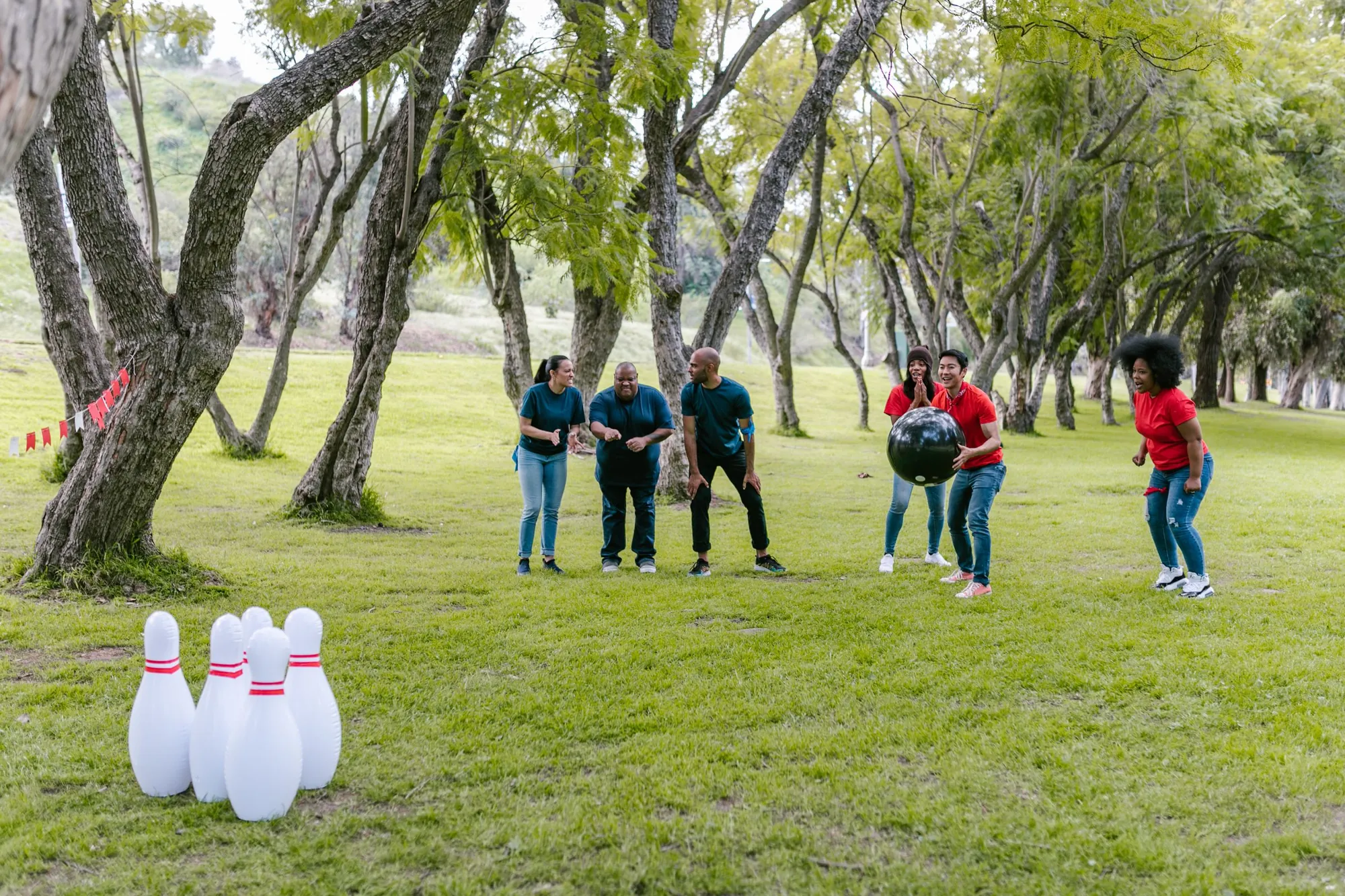
Photos for corporate holiday partiesTeam building photos. The game nobody won, the photo everybody wants.
Each person finds their own shots with one selfie.
Photos for offsites and team buildingOffsite photos. A few days away together, somewhere the team has never been.
A multi-day offsite runs as one event with one QR code.
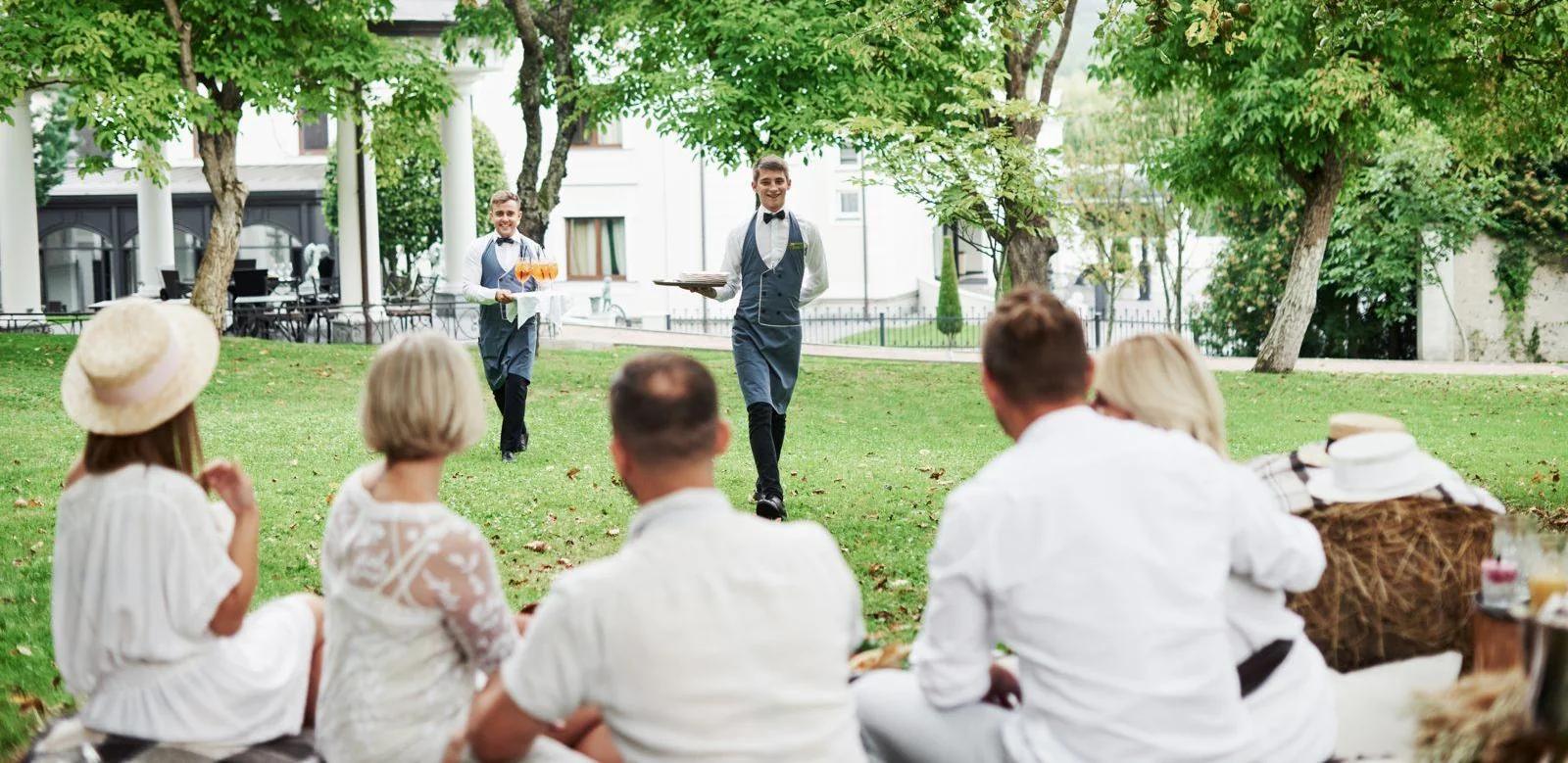
Photos for offsites and team buildingSummer party photos. An afternoon on the grass, when people from different floors finally talk.
The photos stay inside the company.
Team dinner photos. A good quarter, a farewell, a new team around one long table.
One link for the table. Each person gets the photos they appear in.
What happens to face data?
Faces in the photos are indexed when the photos are uploaded, so the search can work. Tell your staff before and at the event that photos are taken and face recognition is used.
How should you share photos from a company event?
- Tell staff before the event.In the invitation and on a sign at the door: a photographer will be there, and face recognition helps people find their photos.
- Ask before any face search.The consent box starts unticked, and saying no changes nothing about the event.
- Decide who sees what.A shared gallery, or only their own photos. Hide anything that should not be seen.
- Share one link, inside the company.On the intranet, in the all-staff email or in the team chat. Not on public social media.
What does it cost?
One payment per event. Slide to the number of people coming.
Up to 500 people · 1,500 photos · your logo and cover photo
Gallery online for at least 365 days · Full refund until your first upload
Questions HR teams ask about event photos
Updated 11 November 2026
Is the gallery private?
Yes. Corporate galleries are private: they open only by their link and stay off search engines and our public listings. Share the link only inside the company, for example on the intranet or in the all-staff email.
Can colleagues see each other's photos?
You choose. Either everyone with the link can browse the gallery, or each person sees only the photos they appear in, after their selfie. You can also hide or delete single photos at any time.
How is this different from a shared folder or a group chat?
A shared folder or a group chat shows every photo to everyone who gets the link. Here the gallery stays off search engines and public listings, and you can let each person see only the photos they appear in.
Do employees need an app or an account?
No. It works in the phone's browser. No app, no account.
Do employees have to take part?
No. Taking a selfie is optional and never a condition of attending.
What happens to face data?
Faces in the photos are indexed when the photos are uploaded, so the search can work. The selfie search itself runs only after a person ticks an unticked consent box. Selfies are deleted after 30 days. Photos and face data are stored and processed only in the EU. For the event photos TIME&SPACE processes on your behalf, a data processing agreement (Art. 28 GDPR) is available for your legal team. For guests' face search, TIME&SPACE is itself the controller.
Can we use our own photographer?
Yes. Invite them to the event and they upload as they shoot. If you need a crew, our agency can send photographers.
How much does it cost?
One payment per event: Starter €188 + VAT for up to 500 guests, Advanced €488 + VAT for up to 2,000 guests, Pro €888 + VAT for up to 10,000 guests. Full refund until your first upload.
Does it work for conferences and client events?
This page is for internal staff events. For conferences, congresses and client events, see our conferences page.

Bring your next company event.
15 minutes with Micael. We'll show you what your colleagues will see.
Full refund until your first upload
Photos on this page: licensed stock, not from our events.