For Festivals
How do festival guests get their photos?
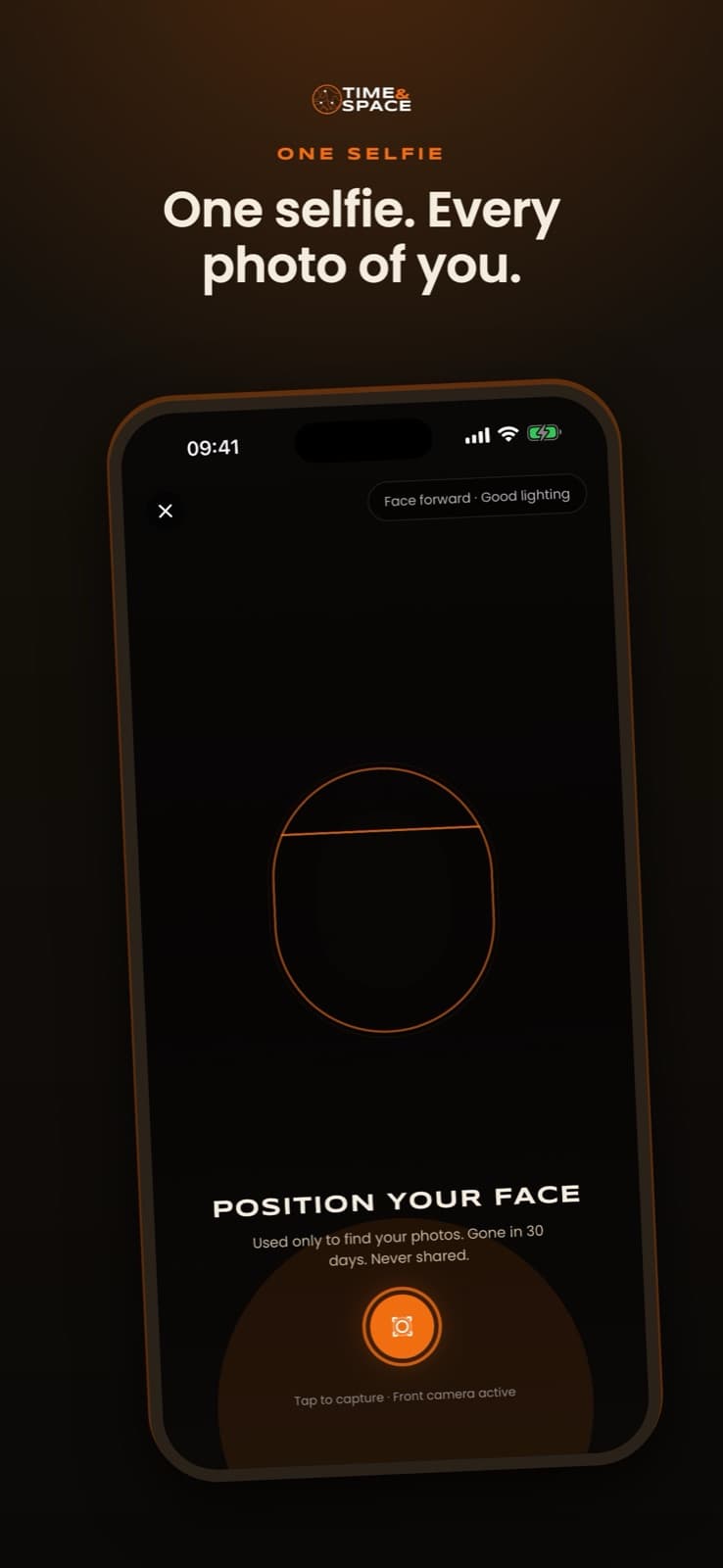
Festival guests get their photos by scanning a QR code, taking one selfie in their phone browser, and seeing only the photos they appear in. There is no app and no account. Photographers upload to the event, faces are indexed automatically, and guests download their own pictures.
Updated:
How does selfie photo delivery work at a festival?
Four steps, and none of them needs your team in the middle.
- 1
Photographers upload
Upload directly, or import from Google Drive or Dropbox. Faces are indexed automatically.
- 2
Guests scan a QR code
Put it on signage, wristband inserts, the festival app or your social posts.
- 3
One selfie, in the browser
Consent is recorded before every face scan. No app to install, no account to create.
- 4
Guests see their photos
Only the photos they appear in. They download, share, and can opt in to hear when more are added.
Why not just share a folder?
A shared folder works for a handful of photos. Here is what changes when a festival has thousands.
| Capability | Shared folder | TIME&SPACE selfie delivery |
|---|---|---|
| How a guest finds their photos | Scrolls through every photo | Takes one selfie and sees only their own |
| App or account for guests | Depends on the service used | No app and no account |
| Photographer upload | Depends on the service used | Direct upload, or import from Google Drive or Dropbox |
| Watermarks | Added by hand before upload | Applied by the event settings |
| Your branding on the gallery | Not offered | Event Branding on Advanced and Pro |
| Scans, downloads and shares | Not reported | Analytics dashboard on every plan |
| Telling guests about new photos | Not offered | Guests who opt in are told when more are added |
| Photographer access | Per folder, shared by link | Unlimited team members per event |
Capability comparison only. What a shared folder offers depends on the service you choose.
What does the festival team have to do?
Create the event, give photographers access, share the QR code. The rest runs by itself.
Your photographers or ours
Use the photographers you already work with, or ask us to bring a team.
Upload from where the photos already are
Direct upload, Google Drive or Dropbox.
Watermarks
Text, logo or both, placed where you want them.
Unlimited team members
Add every photographer and collaborator you need, on every plan.
365-day gallery
The gallery stays open for a year after the event.
Analytics on every plan
Scans, downloads and shares, in one dashboard.
Event Branding
Your colours and logo on the gallery. Advanced and Pro.
What happens to a guest's selfie?
Face matching is the part guests ask about first, so it is stated plainly.
Consent first
Consent is recorded before every face scan.
Short retention
Selfies are deleted after 30 days.
Stored in the EU
Data is stored in the European Union.
Guests stay in control
Only guests who opt in are told when more photos of them are added.
How much does festival photo delivery cost?
One price per event. Choose by the number of guests.
STARTER
€188
- Up to 500 guests
- Up to 1,500 photos
- 365-day gallery
- Unlimited team members
- Analytics dashboard
ADVANCED
€488
- Up to 2,000 guests
- Up to 5,000 photos
- 365-day gallery
- Unlimited team members
- Analytics dashboard
- Event Branding
PRO
€888
- Up to 15,000 guests
- Unlimited photos
- 365-day gallery
- Unlimited team members
- Analytics dashboard
- Event Branding
Past-event galleries are 50% off any plan. Bigger than 15,000 guests, or several events? Talk to us.
Questions festival organisers ask
How do festival guests get their photos?
They scan a QR code, take one selfie in their phone browser and see only the photos they appear in. No app and no account are needed, and they can download or share straight from the gallery.
Do guests need to install an app or create an account?
No. Everything happens in the phone browser, from the QR code to the download.
Can we use our own photographers?
Yes. Your photographers upload directly or import from Google Drive or Dropbox, and you can add as many team members as you need. If you prefer, we can bring a photography team instead.
What happens to the selfie guests take?
Consent is recorded before every face scan, selfies are deleted after 30 days, and data is stored in the EU.
Will guests know when more photos are added?
Guests who opt in are told when more photos of them are added, so they do not have to scan again.
Can the gallery carry our festival's branding?
Yes. Event Branding is included on the Advanced and Pro plans. Photos can also be watermarked on every plan.
What does it cost and how long does the gallery last?
Per event: Starter 188 EUR, Advanced 488 EUR for up to 2,000 guests, Pro 888 EUR for up to 15,000 guests. Every gallery stays open for 365 days, and past-event galleries are 50% off.
Do we get any reporting?
Yes. An analytics dashboard with scans, downloads and shares is included on every plan.
Give every guest their photos, without the folder.
Create your festival in minutes, or talk to us about bigger events and photography teams.