One Selfie, Every Year: How Cross-Event Photo Search Works

TIME&SPACE · Organiser's Playbook
TIME&SPACE normally scans your selfie against one event at a time. For a small number of organisers who run the same event year after year, one scan can search every past edition at once. Here is exactly how that works, and why it is not a standard plan feature.
In short: Scan your selfie at a TIME&SPACE event and you normally get matched against that one event's photos, nothing else. For organisers who run the same event year after year, a small number have a second option: one selfie, searched against every past edition they have run at once. It lives on the organiser's public profile, it only switches on for organisers who qualify, and it is not something any of the three standard plans include by default.
Most of what TIME&SPACE does is deliberately scoped to a single event. You scan a QR code at the door, take a selfie, and the match runs against the photos from that event only. That scoping is not a limitation, it is the whole point: a guest gallery that only ever shows you your own event keeps the search fast and keeps one event's guests from ever seeing another event's faces.
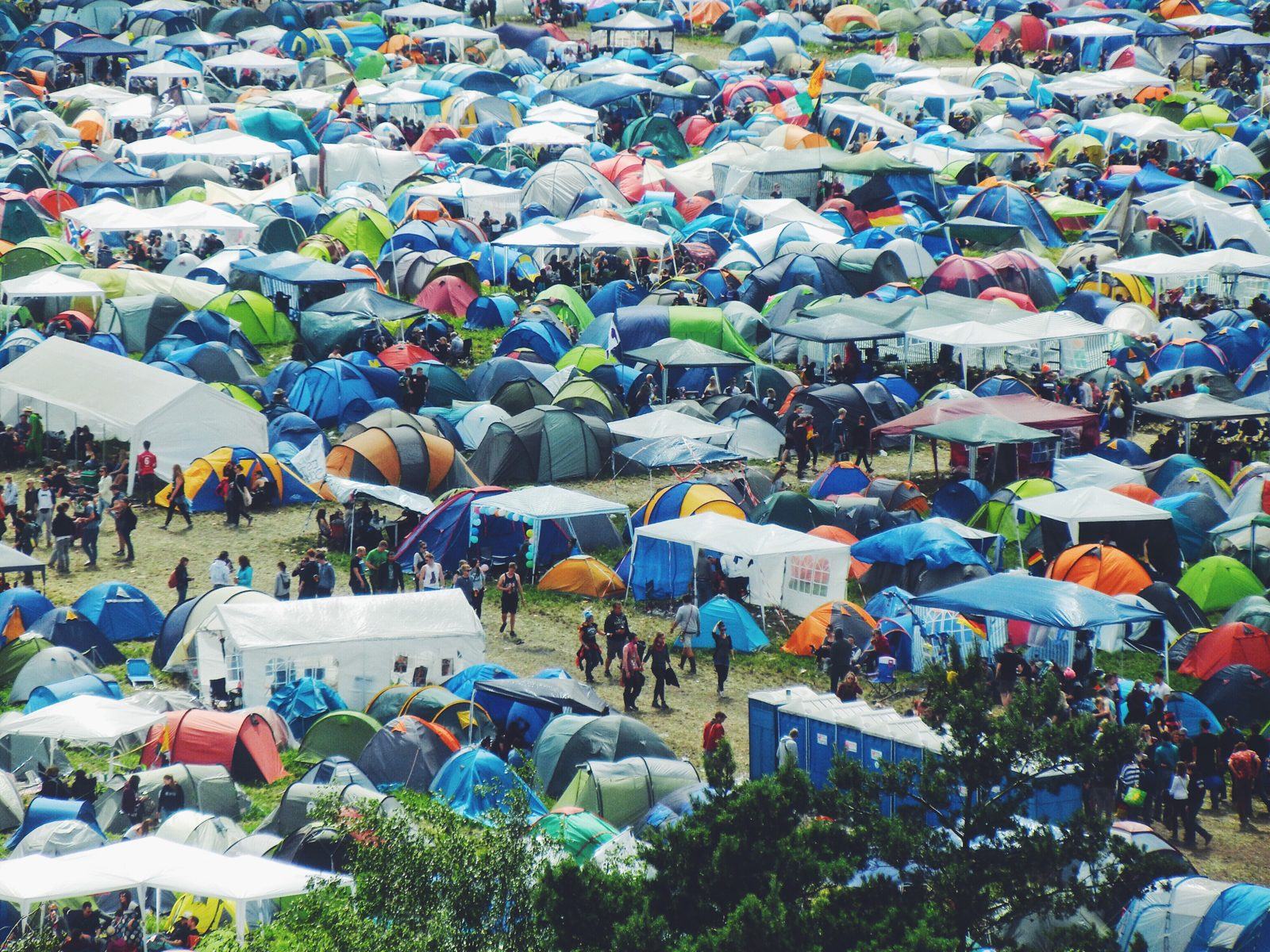
But some organisers do not run one event. They run the same event every year, under the same name, with a lot of the same people showing up each time. For them, "scan once per edition" starts to feel like the wrong unit. That is what cross-event search solves.
What it actually does
On an organiser's public profile (timeandspace.app/u/[username]), the Past Events section carries a button, "Find my photos in past events". Tap it and you land on a dedicated scan page for that organiser. Take one selfie there and it searches across every past event that organiser has launched, not just the most recent one. If you went to the same festival in 2024 and again in 2025, one scan surfaces your photos from both.
The data handling underneath is the same as any other scan: your selfie is compared, not stored beyond the normal retention window, and the match only returns photos, never anyone else's selfie or contact details. Searching across more events does not change what we keep or for how long.
Why this is not on by default
Two things have to be true before an organiser gets this button at all. They need at least two launched events with photos in them, so there is actually more than one edition to search. And their account has to be explicitly switched on for it, one organiser at a time, by us. The second condition is the one that matters: this is not a plan tier, not an add-on you can select at checkout, not something that turns on automatically once an organiser crosses the two-event mark.
The reason is simple. Searching across events is a bigger ask of the face-matching pipeline than searching one, and it only makes sense for an organiser whose audience genuinely overlaps year to year, a festival, a recurring conference, an annual community event. Turning it on for every organiser who happens to have run two unrelated events would just produce a button that returns nothing useful. So it stays a conversation rather than a toggle: an organiser running a recurring event talks to us, we confirm it fits, and their profile gets the button.
Today a couple of festival organisers have it. That number will grow as more recurring events come onto the platform and ask for it, but it will keep growing one organiser at a time rather than by default.
What this means if you run a recurring event
If your event happens annually and brings back a lot of the same faces, this is worth asking us about directly rather than assuming it is already there. The standard setup, one event, one QR code, one scan scoped to that event, is still what every plan gives you and it is still the right default for a first-time or one-off event. Cross-event search is the layer on top for the organisers whose events genuinely repeat, and we would rather set it up deliberately for those than switch it on everywhere and have it work for no one.
Read more about what a verified organiser profile actually shows in the verified badge on a TIME&SPACE organiser profile, or see how Going and Interested already decide what counts as a past event for you in going or interested, on TIME&SPACE they're the same thing.

Founder, TIME&SPACE